 GUIDE
GUIDEGet started with iGuard
Learn how to connect to private server with a secure key with our step-by-step guide
Log In
Create an encrypted profile and log in to get the access
Download
Connect to private server with a secure key
Browse freely
Around 60+ countries and regions with restrictions
Create your iGuard account
Log in to our website and create a secure account to protect your information. Follow the simple flow to your protected profile with ease.
Personal Account
Take all advantages: manage functions, renew subscription and connect devices
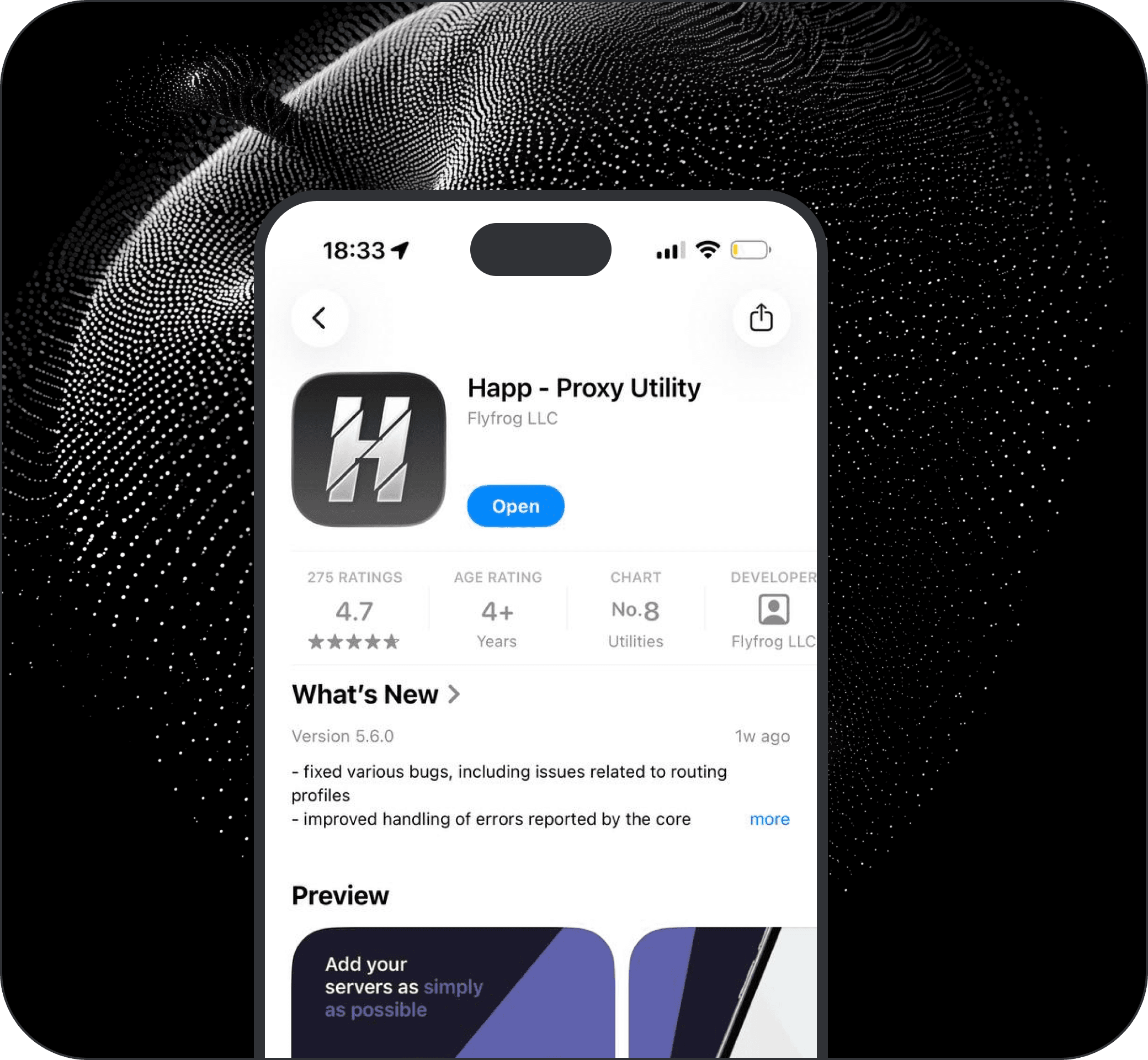
Choose your device and download the app for it
Download the client app to establish a dedicated connection channel on your device. Follow the simple steps within the app to securely connect to the private server.

INCY for MacOS
After installation, you will need a key to create a server. You can find it in your Personal Account.

Happ for MacOS
After installation, you will need a key to create a server. You can find it in your Personal Account.
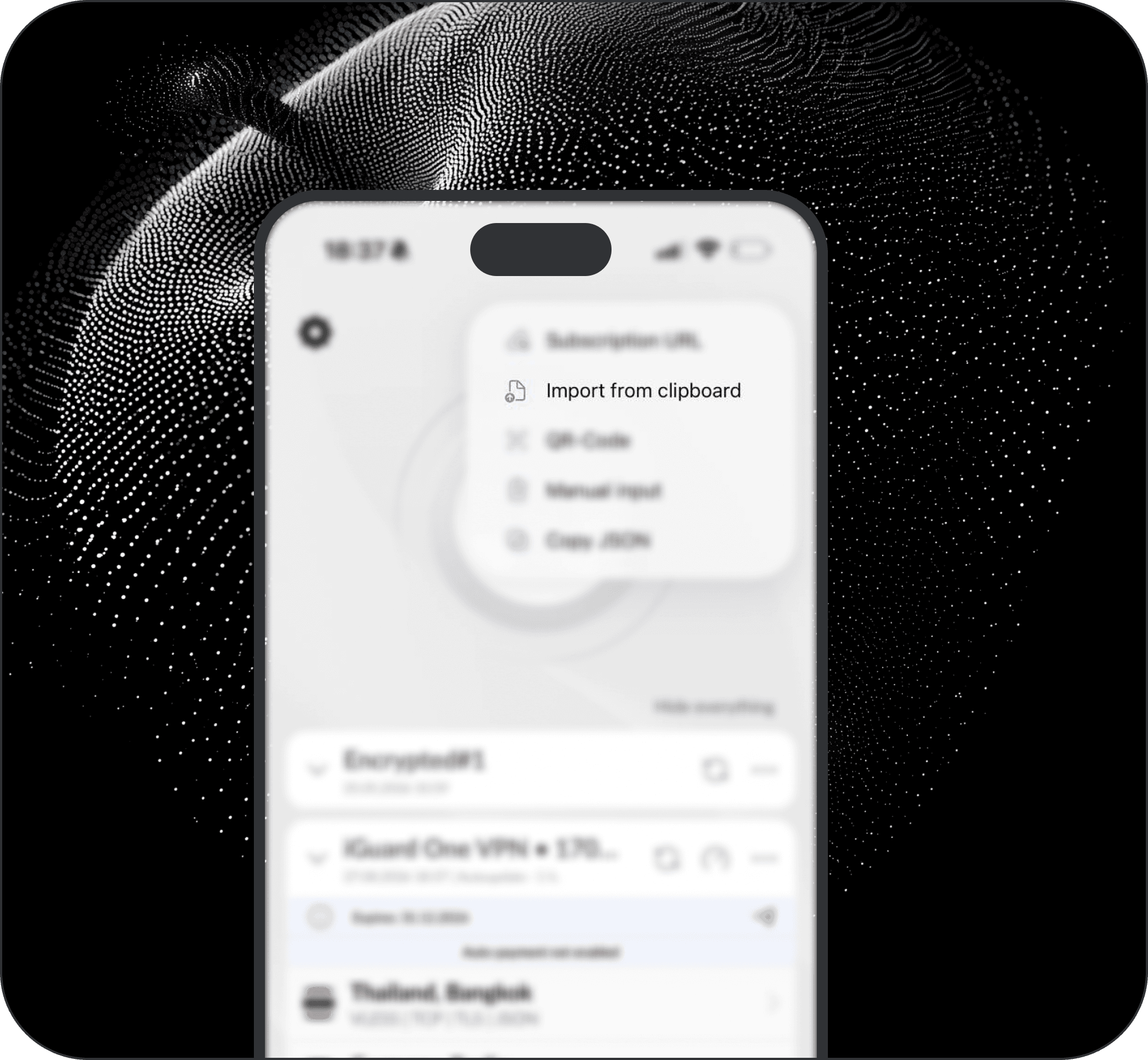
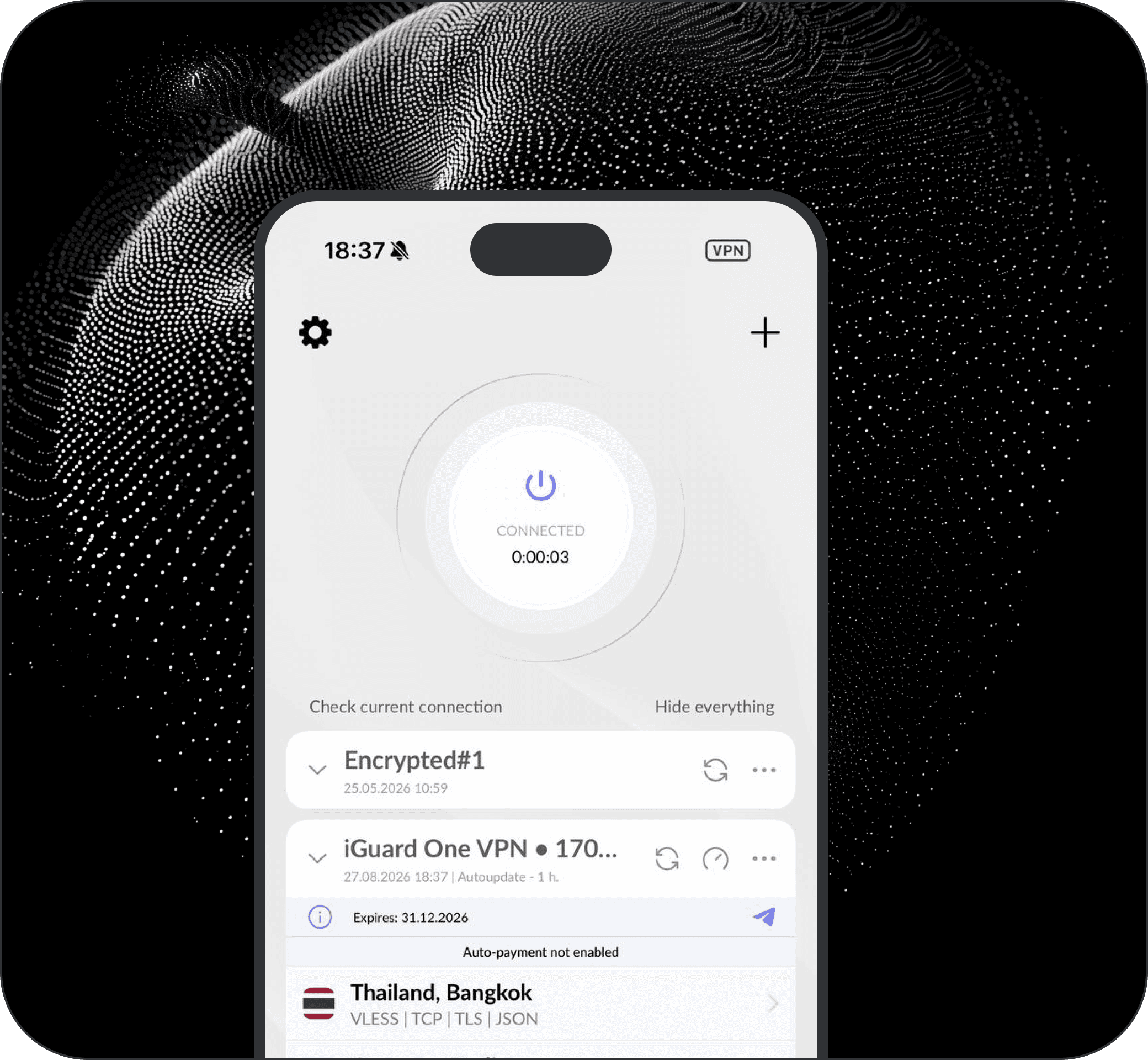
Connect your key and start browsing
Discover how to securely connect to a private server using a secure key. Follow along to protect your data and access your server confidently.